Free preview · no app to install
The Inkhunter Alternative That Works in Your Browser
Try tattoos on your own photo right in the browser — and design the tattoo with AI in the same place.
Phone AR apps
Live camera overlay
Great for a quick look in motion. Needs an app install, and you bring your own design.
TattooMaker
Photo try-on + AI design
Works in any browser. Design the tattoo, place it on your photo, export a before-and-after and a stencil.
%22%2F%3E%3Cellipse%20cx%3D%22230%22%20cy%3D%2278%22%20rx%3D%228%22%20ry%3D%2212%22%20transform%3D%22rotate(24%20230%2078)%22%2F%3E%0A%20%20%3Cellipse%20cx%3D%22204%22%20cy%3D%22104%22%20rx%3D%227%22%20ry%3D%2211%22%20transform%3D%22rotate(-20%20204%20104)%22%2F%3E%3Cellipse%20cx%3D%22226%22%20cy%3D%22108%22%20rx%3D%227%22%20ry%3D%2211%22%20transform%3D%22rotate(20%20226%20108)%22%2F%3E%0A%3C%2Fg%3E%3C%2Fsvg%3E)
Your photo stays on this device · drag, pinch or scroll the design
Preview free in your browser · download or print: 1 credit · Credits
- Runs
- In your browser – no app
- Try-on
- Free 2D preview on your photo
- Design
- AI generator, fonts and stencils
- Privacy
- Your photo stays on your device
Looking for an Inkhunter alternative? You probably want to see a tattoo on your body before you commit. TattooMaker does that in your browser: upload a photo, place any design on it and create the design itself with AI – no app to install. (Inkhunter is a trademark of its owner; TattooMaker is independent and not affiliated with it.)
No. 01
How this Inkhunter alternative works
Instead of a live camera view, you work on a still photo of your skin. That makes it easy to fine-tune size and angle, compare options side by side and save the result to share. The same try-on also powers our placement guide, where you can compare body areas by pain and visibility.
- 1. Open it in a browser
- No download or account needed. It runs on phones, tablets and computers.
- 2. Add a photo and a design
- Upload a photo of the spot, then pick a sample, upload your own design or create one with the AI tattoo generator.
- 3. Fit, compare, save
- Drag, pinch and rotate, switch between stencil, fresh and healed looks, then download a before & after.
No. 02
Inkhunter vs TattooMaker: an honest comparison
Inkhunter is a popular AR try-on app: augmented reality lets you point a phone camera at your skin and see a design in place. TattooMaker takes a different route. Both approaches are useful – they suit different moments in planning a tattoo. Here’s how they differ, without the sales pitch.
- How it runs
- Inkhunter is an app you install on your phone. TattooMaker runs in any modern browser, on a phone or a computer.
- Try-on view
- AR shows a design live through the camera as you move. TattooMaker places it on a still photo you can adjust precisely and keep.
- Designing
- TattooMaker includes an AI tattoo generator, a font generator and a stencil maker, so you can create the design and test it in the same place.
- Privacy
- TattooMaker’s try-on photo never leaves your device; the preview is built in your browser.
- Cost
- TattooMaker’s browser try-on preview is free; downloading the before & after costs 1 credit.
- Best for
- Live AR is great for seeing a design move with you. A photo-based preview suits careful sizing, side-by-side comparisons and sharing a before & after with your artist.
No. 03
Looking for Inkhunter online?
If you searched for Inkhunter online, you probably want a try-on that works without installing anything, or one you can use on a computer. TattooMaker’s try-on works right in the browser: open the page, upload a photo and start placing designs. There’s nothing to download and nothing to sign up for.
On a phone, drag the design with one finger and pinch or twist with two to resize and rotate it. On a computer, drag with the mouse, scroll to resize and use the sliders for exact size, rotation and ink strength.
To be clear, TattooMaker isn’t affiliated with Inkhunter. It’s an independent tool that meets the same need – seeing a tattoo on your skin first – with a browser-based approach.
No. 04
Design and try on in one place
A try-on is only useful once you have a design, so TattooMaker starts earlier. Describe an idea in the AI tattoo generator, choose a style and placement and get four designs to compare. Letter a name or date in the font generator. Then drop your favorite onto a photo of your arm to see how it sits.
When you’re happy, the same site turns the design into a stencil printed at true size and estimates the price, so you arrive at your consultation with a clear brief instead of a folder of screenshots.
You can also start from a picture: turn a photo of a pet or a place into tattoo linework with photo to tattoo, or upload an old tattoo and get cover-up concepts designed around it.
No. 05
How to get a realistic preview
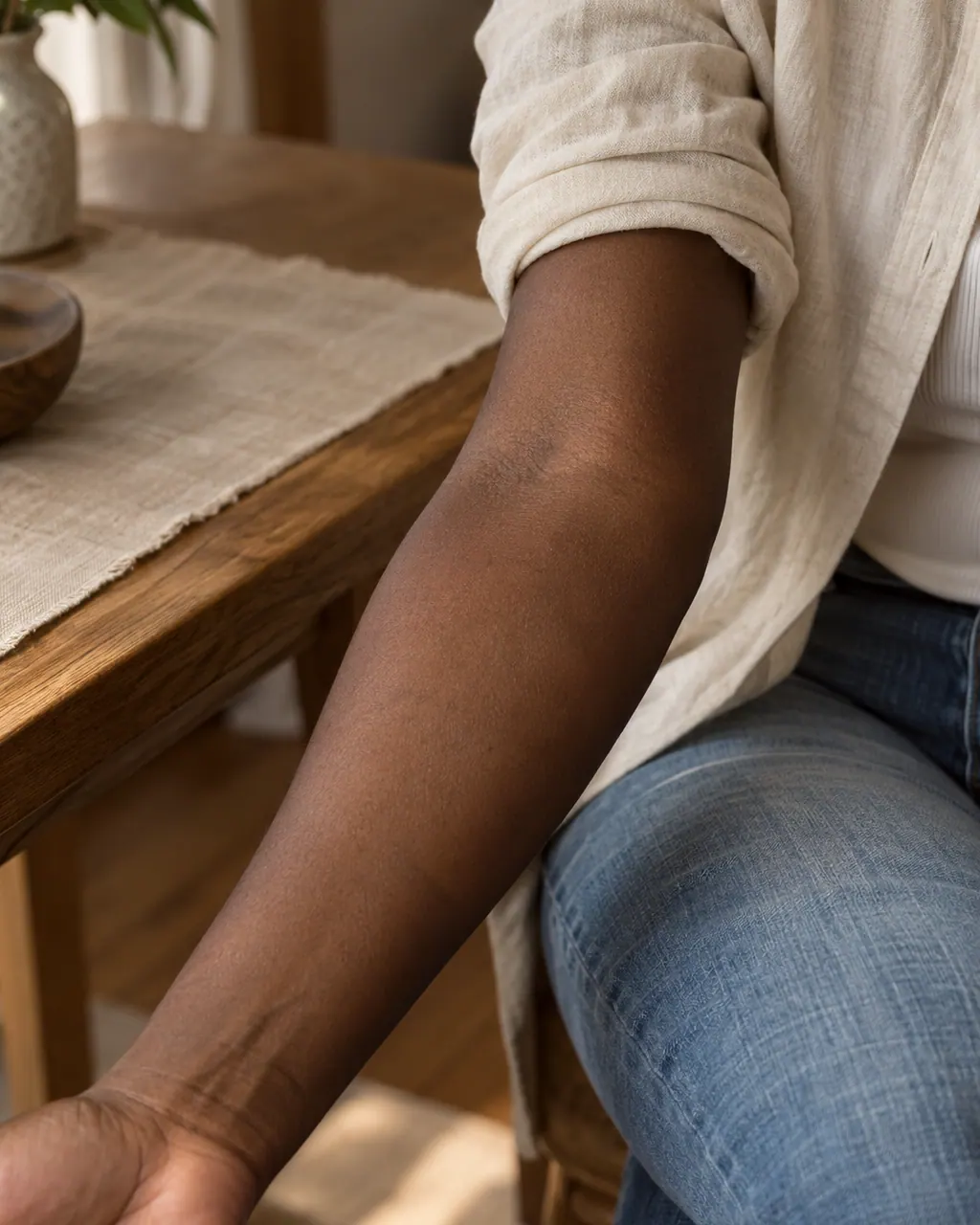
A flat photo can’t show how a design wraps around a curved limb, so for wrap-around pieces ask your artist to place the stencil on your skin before starting. For everything else, these steps get you close:
- Start with a good photo
- Soft daylight, the camera level with the skin, the body part filling the frame and a plain background.
- Match the ink to your skin
- Use the ink strength slider so the design sits naturally rather than looking printed on.
- Check the healed look
- Healed is closest to how the tattoo will look long term. Fresh shows the first few days.
- Try more than one size
- Download a before & after at two or three sizes and compare them side by side.
- Hold to compare
- Press and hold to switch between bare skin and the tattoo – a quick gut check on how much it changes the look.
- Show your artist
- Send the before & after with your first message; it explains size and position faster than words.
No. 06
Apps like Inkhunter: when live AR suits you better
If you want to watch a design move as you turn your arm, or see it from every angle in real time, a live AR app does that well. You don’t have to choose one or the other: design and size the tattoo here, download it, and test it in whichever AR app you like before you book. Whatever you use, the final check is the same: your artist places the stencil on your skin and you look in the mirror before the first line.
FAQ
The Inkhunter Alternative That Works in Your Browser FAQ
Is this the Inkhunter app?
No. TattooMaker is an independent tool and isn’t affiliated with Inkhunter. It’s an alternative for the same goal – seeing a tattoo on your skin before you get it – that works in a browser on a photo and adds AI design tools in the same place.
Can I try on tattoos online without an app?
Yes. Open the try-on in your phone or computer browser, upload a photo of your arm, wrist or ankle and place any design on it. Drag, resize and rotate it, switch between stencil, fresh and healed looks and download a before & after – no install required.
Does it use AR like Inkhunter?
No. Instead of a live camera view, you work on a still photo. That trades real-time movement for precision: you can set the exact size and angle, compare versions and save the result to share with your artist. If you want live AR as well, the two approaches work well together.
Is it free?
Previewing a tattoo on your photo is free with no sign-up; downloading the result costs 1 credit. AI sketches use credits too — new accounts get 1 free credit, and passes, top-ups and plans add more. The pricing page lists exactly what each action costs.
Can I upload my own design?
Yes. Any image works. Dark linework on a white or transparent background gives the most realistic result, because white areas vanish into the skin and dark lines become ink. You can also use designs from the AI generator or lettering from the font generator.
Is my photo uploaded?
No. Your try-on photo stays on your device. It’s loaded into the page and blended with the design in your browser, and the before & after image is created there too. Nothing is sent to our servers, and closing the tab clears it.
Does it work on my phone?
Yes. It runs in current mobile browsers on iPhone and Android, with touch gestures: one finger drags the design, two fingers pinch to resize and twist to rotate. On a computer, drag with the mouse, scroll to resize and use the rotation slider.
Need a design first?
Describe your idea and get four original tattoo sketches in seconds — then turn the one you love into a stencil.